Create your Organization
Every business record belongs to exactly one Organization.
Run sales, inventory, customers, payments, and daily operations from one platform. Add the capabilities your business needs as you grow.
Industry is configuration, not a fork.
Point of sale · Harbor · Counter
Open check 0.00
Products
Current sale
Tap a product to ring it up.
Interactive Harbor POS · catalog photos · Cafe
Each step writes the record the next one needs: Organization, Branches, capabilities, Products, then the Sale.
Every business record belongs to exactly one Organization.
Scope stock, sales, and staff to the locations that actually operate.
Enable tables, kitchen, barcode, and storefront without changing the core model.
One catalog for the counter and the shop. Industry is configuration.
Complete a Sale. Payments and stock movements follow as new facts.
Sales
Immutable Sale facts across counter, mobile, and storefront channels.
Complete the demo above. Uplixor writes the same Sale, Payment, Stock Movement, and Projection records the live product writes. There is no second ledger.
Complete the demo sale to write these facts
Corrections create new linked facts. Nothing above is ever rewritten.
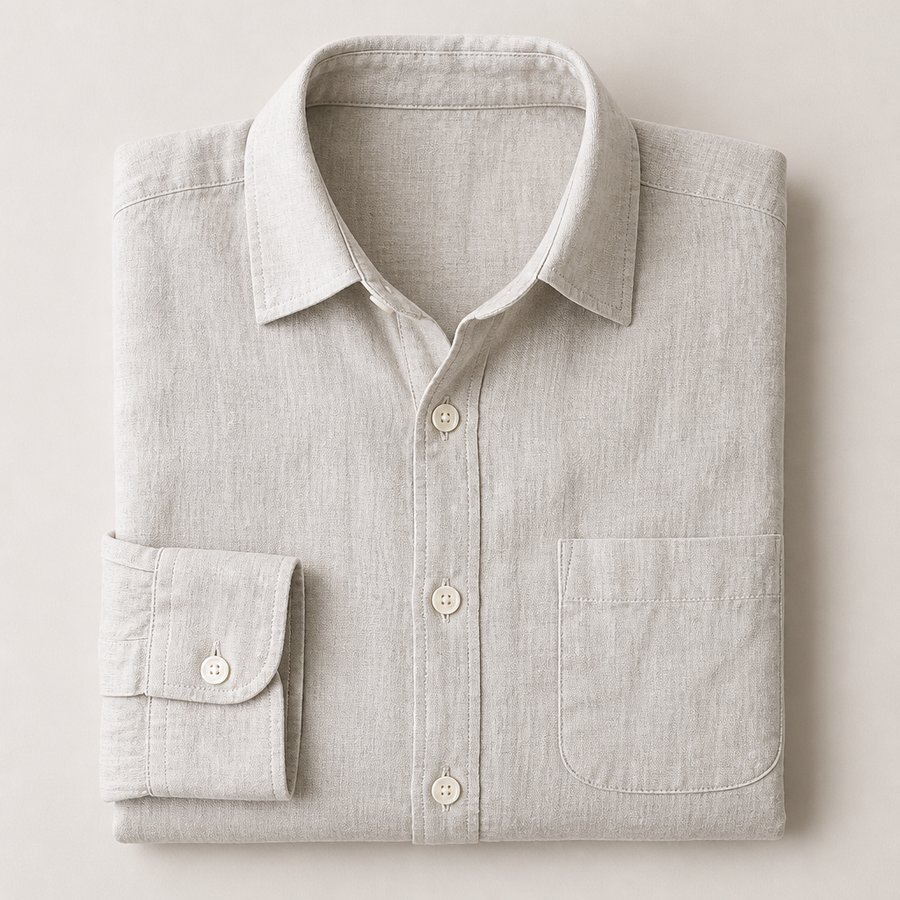
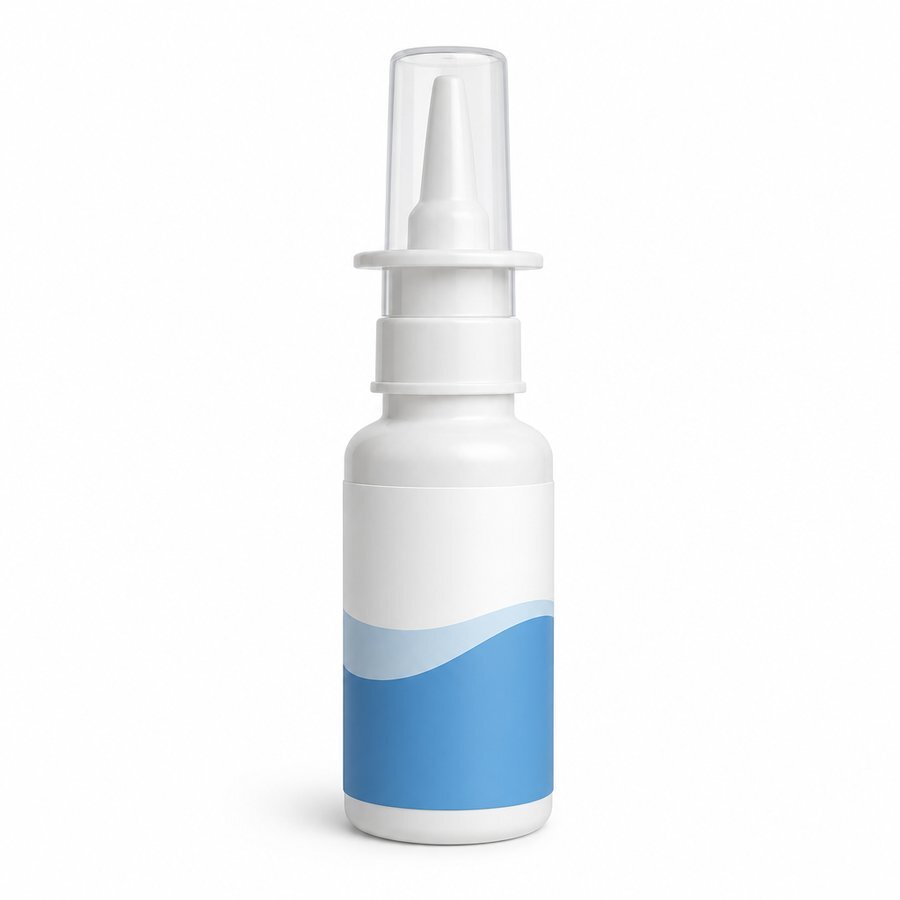
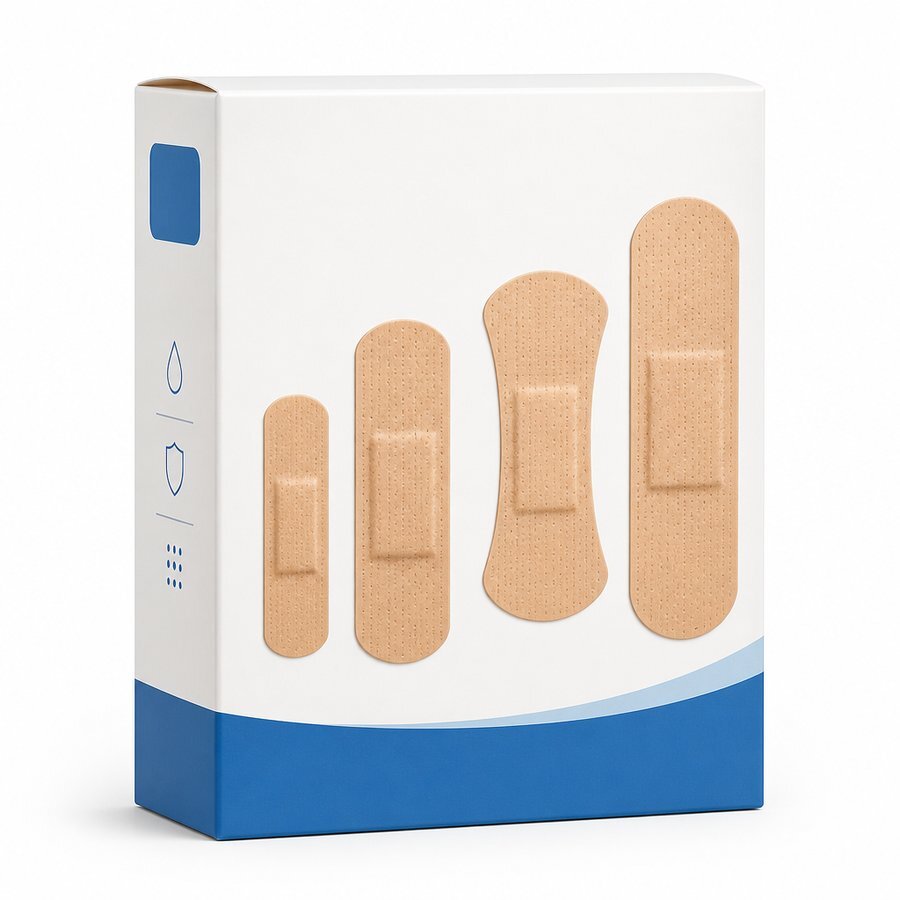
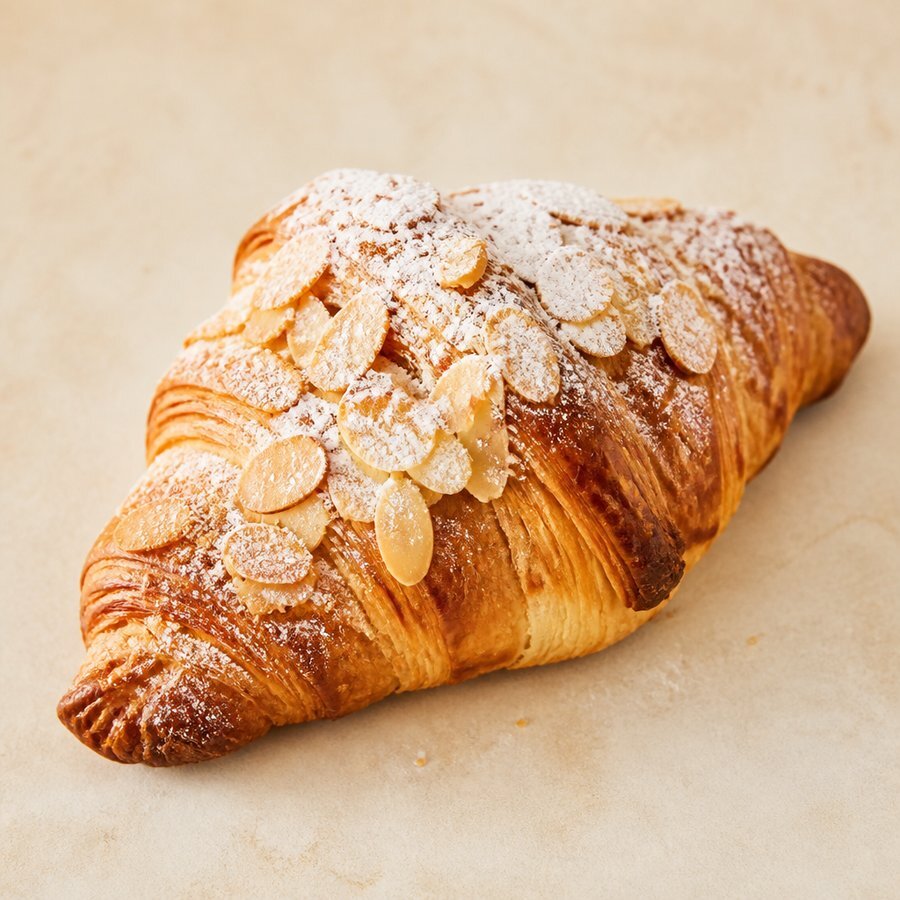
The POS stays the same. Capabilities change the workflow. Atmosphere photos are illustrative. The product tiles use Harbor catalog images.
Cashiers find Products, open a Sale, and record a Payment. Completed Sales are immutable, and corrections create new linked facts.
Storefront module
The storefront module turns your published catalog into a public shop on a subdomain you claim, then swaps in your own domain when you are ready. Same Products, prices, cart, and Sale facts as the counter.
Your site is created from the catalog you already publish, so there is nothing to re-enter.
Free with the site and unique across the platform from the moment you claim it.
harbor.uplixor.comLayout quiz, logo, colors, and click-to-add sections on a visual canvas.
Draft edits never touch the public site until Publish succeeds.
Claim, verify, activate. The platform subdomain stays the recovery URL.
 Flat white$4.50
 Cold brew · large$5.25
 Matcha latte$5.00
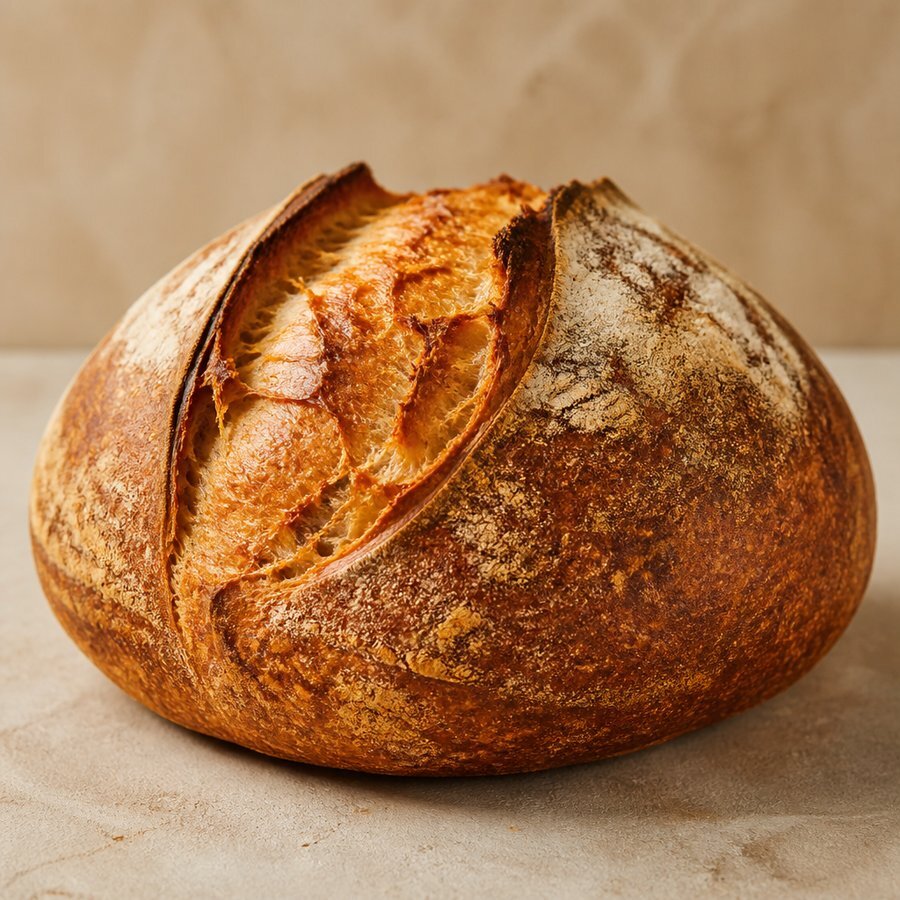 Sourdough loaf$6.00
Site, subdomain, publishing, cart, and checkout are included on Free: 100 Sales per month across every channel. Upgrade only when you outgrow it.
Commands initiate on the device. The queue retries with explicit conflict outcomes. Completed Sales stay immutable once the server accepts them.
Network dropped · counter stays open
Payment recorded locally
Command queued with idempotency key
Server validated · facts immutable
Pick a mess operators live with. See how one commerce core (Product, Sale, Payment, Stock Movement) turns it into durable facts instead of another spreadsheet.
What we solve
The mess
Cafe POS, retail stock apps, and a separate online shop disagree on prices and leftovers.
How Uplixor fixes it
One commerce core (Product, Sale, Payment, Stock Movement), configured by capabilities, not industry forks.
Create a workspace, invite your Branch team, and complete today's Sales with a single source of truth.